Session Commands
Session commands manage the current conversation — creating, resuming, sharing, and editing the message history.
Lifecycle
| Command | Aliases | Action |
|---|---|---|
/new | /clear | Start a new session (/clear is an alias — it does not just clear messages) |
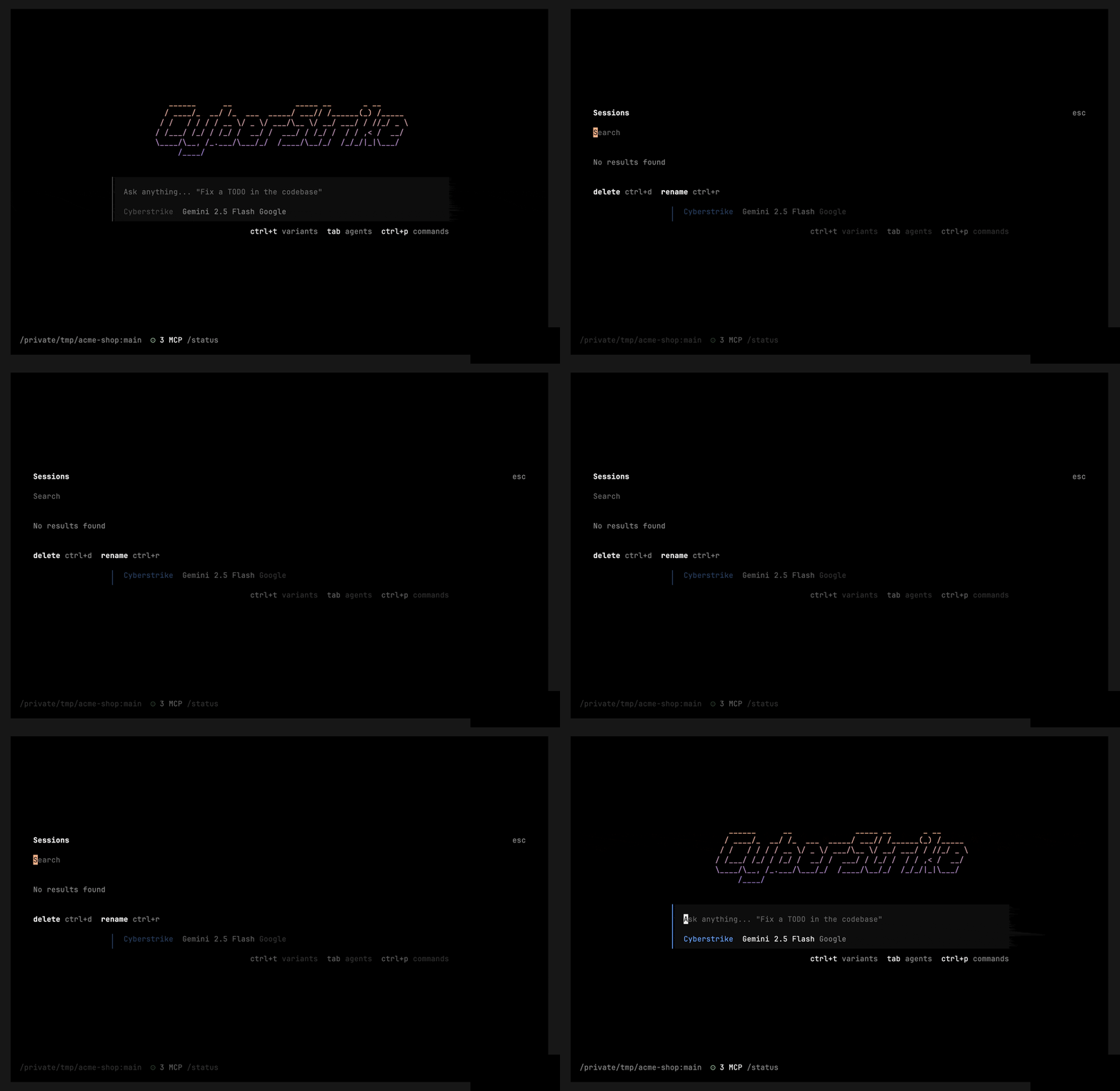
/sessions | /resume, /continue | Open the session picker to resume a past session |
/rename | Rename the current session | |
/fork | Fork the session from the current point | |
/timeline | Show the session timeline | |
/export | Export the session | |
/copy | Copy the last message |
Messages
| Command | Aliases | Action |
|---|---|---|
/undo | Undo the last message | |
/redo | Redo | |
/compact | /summarize | Compact (summarize) the session to reclaim context |
/timestamps | /toggle-timestamps | Toggle message timestamps |
/thinking | /toggle-thinking | Toggle thinking blocks |
Sharing
| Command | Action |
|---|---|
/share | Share the current session |
/unshare | Stop sharing |
Caution
/clear is an alias of /new (it starts a new session), and /continue is an alias of /sessions (it opens the session picker). There is no /history, /memory, /cost, /save, /tag, /note, /retry, or /template command.
Related Documentation
- Slash Commands - Full command list
- Navigation Commands - Pickers and dialogs