Navigation Commands
These slash commands open pickers and dialogs. Type / in the TUI to see the command list (or press Ctrl+P).
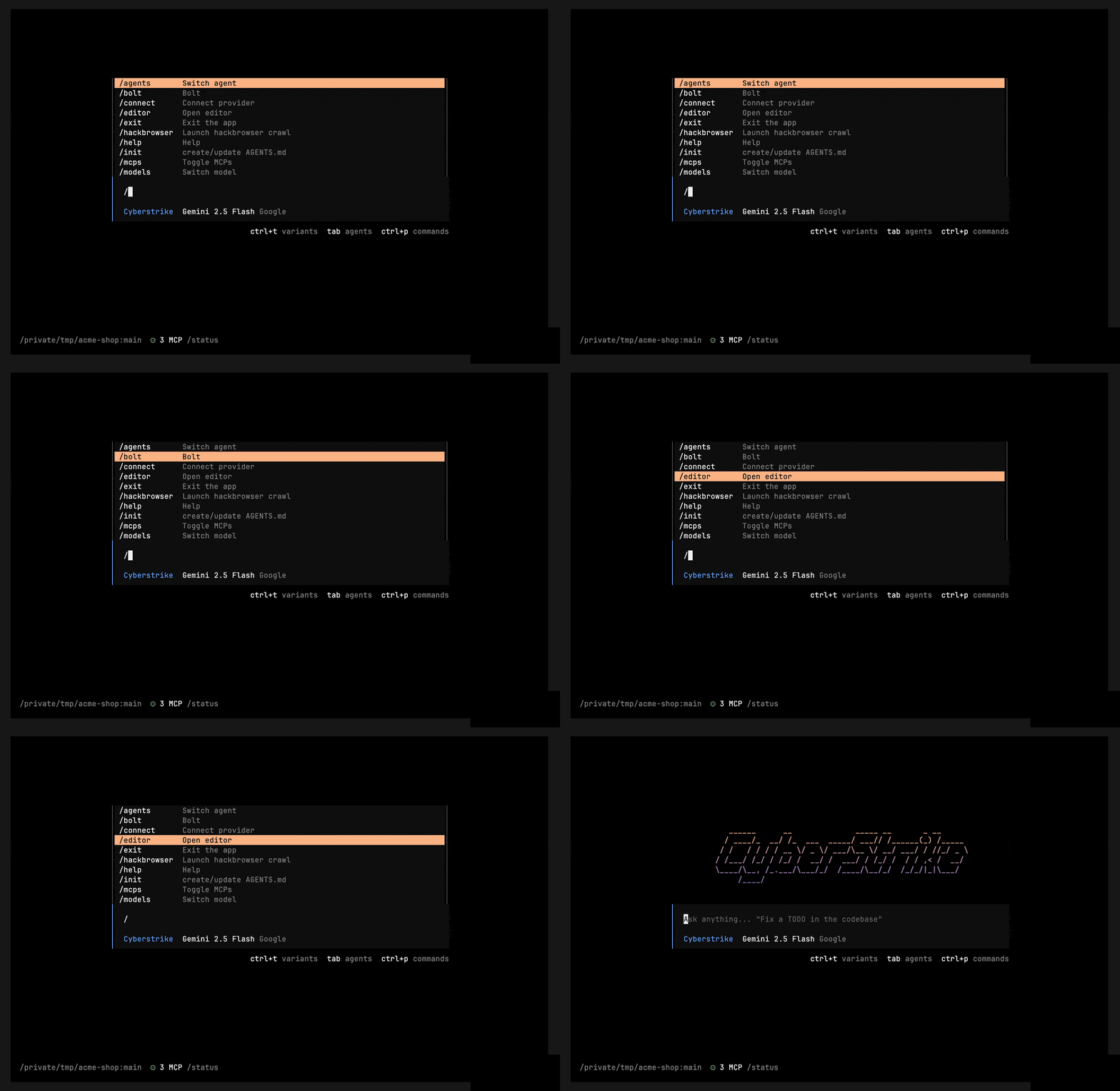
Pickers & Dialogs
| Command | Opens |
|---|---|
/models | Model picker |
/agents | Agent picker |
/themes | Theme picker |
/mcps | MCP server manager |
/bolt | Bolt server manager |
/connect | Connect / authenticate a provider |
/sessions (/resume, /continue) | Session picker |
/editor | Open the message in your external editor |
/skills | Browse loaded skills |
/help | Show help |
/status | Show status |
/exit | Exit Cyberstrike |
Caution
Command names are plural: /models, /themes, /mcps (not /model, /theme, /mcp). There is no /provider, /vim, /config, /permission, /files, /cd, /tools, /version, /doctor, /docs, /changelog, /cost, or /context command — those don’t exist.
Related Documentation
- Slash Commands - Full command list
- Session Commands - Session lifecycle
- Keyboard Shortcuts - Key bindings