Slash Commands
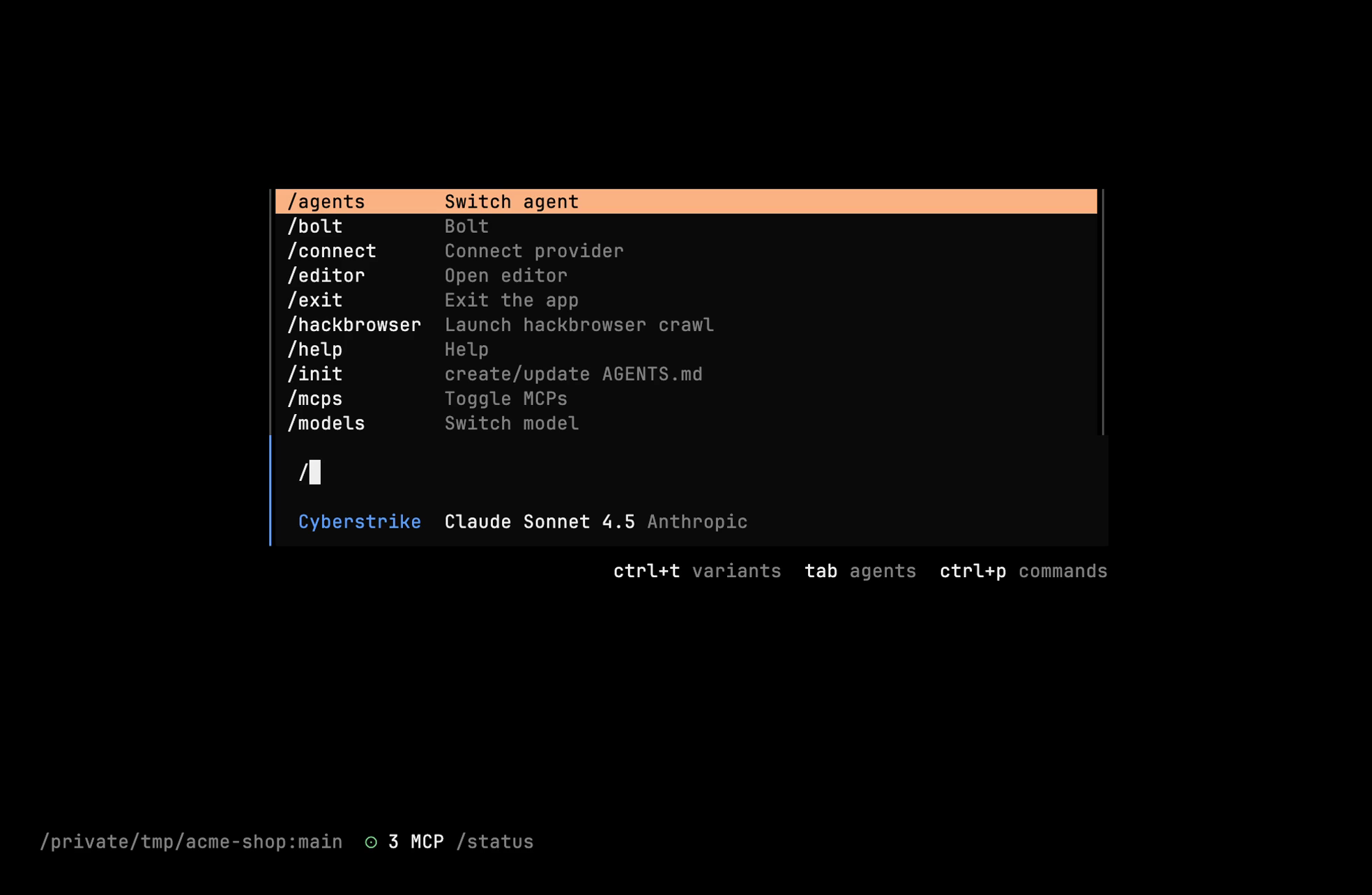
Type / at the start of the input to open the command list (or press Ctrl+P). Fuzzy matching filters as you type.
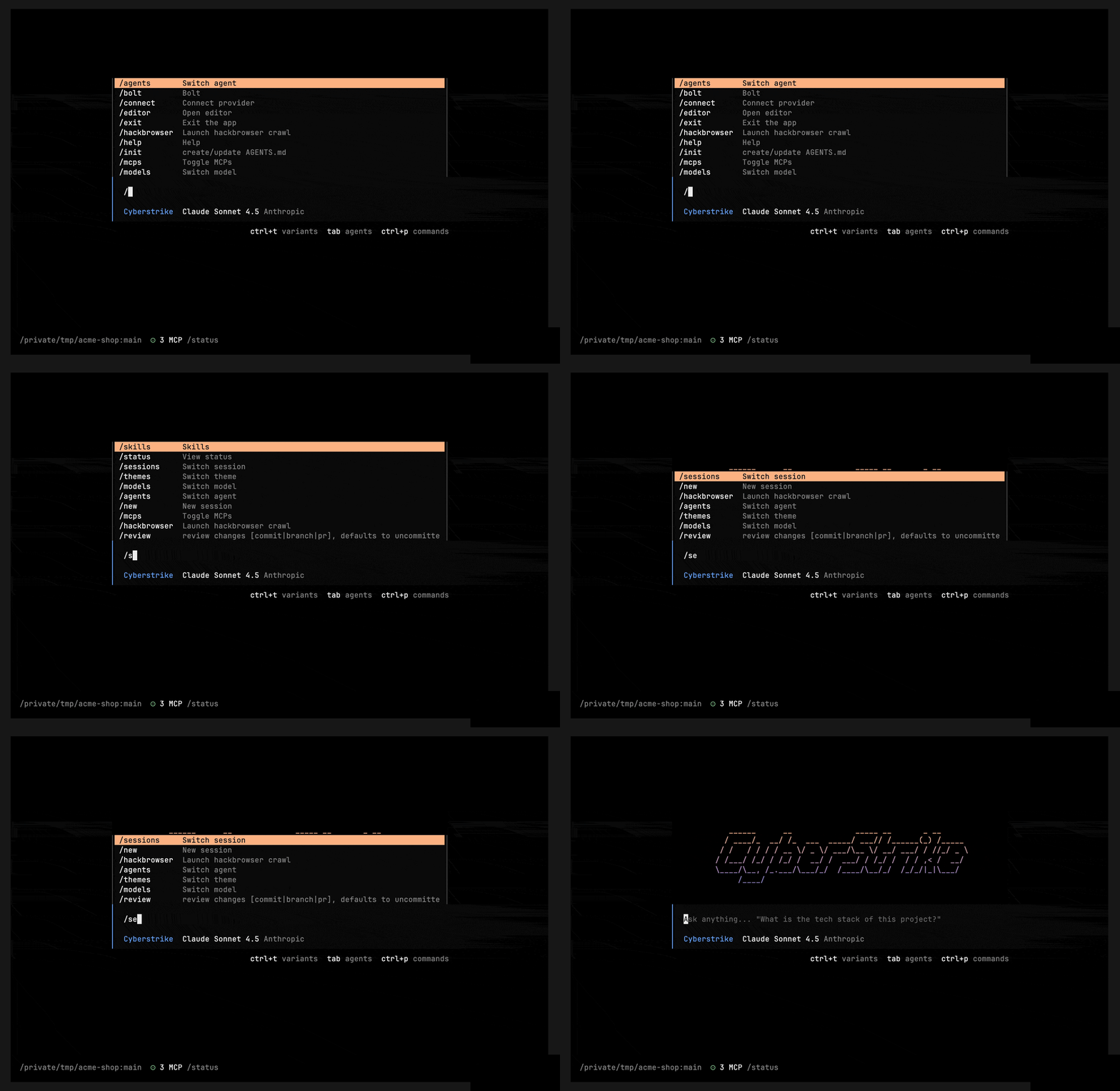
Session
| Command | Aliases | Shortcut | Action |
|---|---|---|---|
/new | /clear | <leader>n | Start a new session |
/sessions | /resume, /continue | <leader>l | Open the session picker |
/rename | ctrl+r | Rename the session | |
/compact | /summarize | <leader>c | Compact (summarize) the session |
/fork | Fork the session | ||
/timeline | <leader>g | Show the session timeline | |
/export | <leader>x | Export the session | |
/copy | Copy the last message | ||
/share, /unshare | Share / stop sharing | ||
/undo, /redo | <leader>u / <leader>r | Undo / redo the last message | |
/timestamps, /thinking | Toggle timestamps / thinking blocks |
Pickers & System
| Command | Shortcut | Action |
|---|---|---|
/models | <leader>m | Model picker |
/agents | <leader>a | Agent picker |
/themes | <leader>t | Theme picker |
/mcps | MCP server manager | |
/bolt | Bolt server manager | |
/connect | Connect a provider | |
/editor | <leader>e | Open the message in your editor |
/skills | Browse loaded skills | |
/status | <leader>s | Status |
/help | Help | |
/exit | Exit |
Web Testing & Methodology
| Command | Aliases | Action |
|---|---|---|
/hackbrowser | Launch the Hacker Browser crawl | |
/hackbrowser-stop | Stop a running crawl | |
/vulnerabilities | /vuln, /vulns | Review captured vulnerabilities |
/web | /endpoints, /roles, /credentials | Inspect the web-testing context |
/methodology | /intel, /vrt, /chains | Methodology engine views |
/report | Generate a report | |
/qpause, /qresume | Pause / resume the ingest queue |
Caution
Command names are plural (/models, /themes, /mcps). There is no /agent-settings, /settings, /config, /vim, /provider, /model, or a <leader><leader>/Ctrl+Shift+P command palette — the command list opens with Ctrl+P.
@ Mentions
Reference a file (optionally a line range) in your prompt with @:
@src/auth.ts#45-60 check these lines for vulnerabilitiesCustom Skills
Package reusable methodology as SKILL.md files — see Custom Skills.
Related Documentation
- Session Commands - Session lifecycle
- Navigation Commands - Pickers and dialogs
- Custom Skills - Author your own skills
- Keyboard Shortcuts - Key bindings