Installation
Cyberstrike can be installed through multiple package managers. Choose the method that best fits your development environment.
npm (Recommended)
The recommended installation method for most users.
npm install -g @cyberstrike-io/cyberstrike@latestVerify the installation:
cyberstrike --versionBun Coming Soon
Bun support is not yet available.
Homebrew (macOS) Coming Soon
Homebrew support is not yet available.
curl (Linux/macOS)
Direct installation via shell script:
curl -fsSL https://cyberstrike.io/install.sh | bashiwr (Windows/Powershell)
Run the installation script:
iwr -useb https://cyberstrike.io/install.ps1 | iexCaution
Always review installation scripts before executing them. The script source is available at github.com/CyberStrikeus/CyberStrike.
Docker
Caution
Docker image is coming soon. For now, use npm or curl.
Verifying Installation
After installation, verify Cyberstrike is working:
# Check versioncyberstrike --version
# List available commandscyberstrike --help
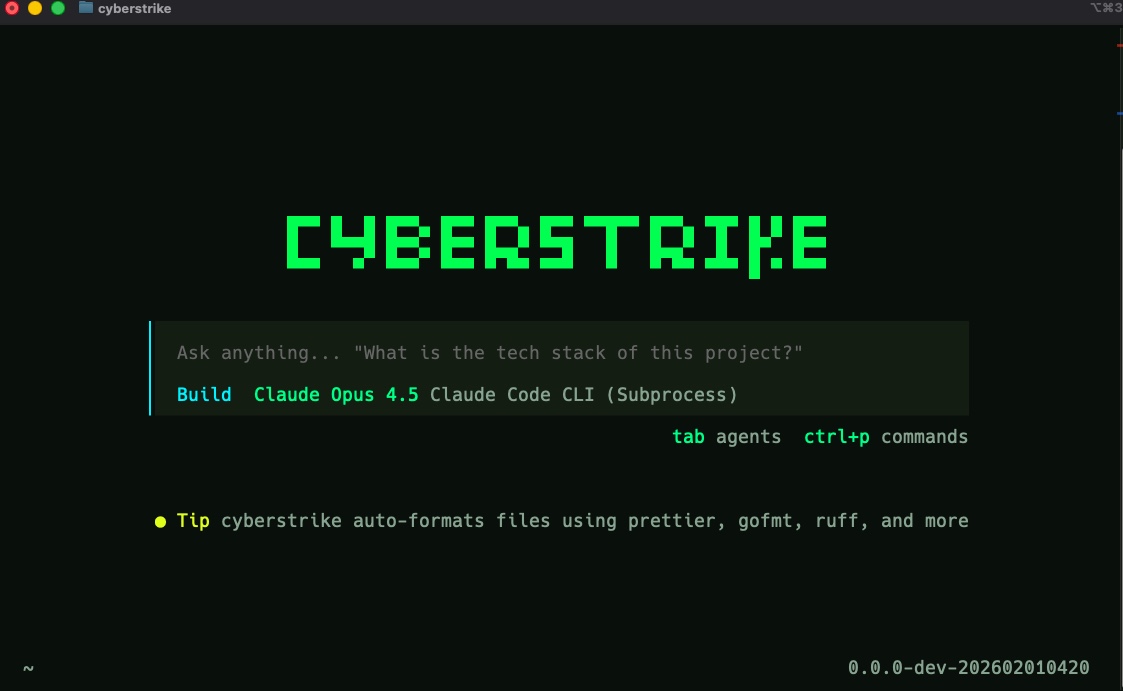
You should see the Cyberstrike banner and version number, followed by a list of available commands.
Updating Cyberstrike
Update to the latest version:
# npmnpm update -g @cyberstrike-io/cyberstrike@latest
# Self-update (recommended)cyberstrike upgrade
Uninstalling
Remove Cyberstrike from your system:
# npmnpm uninstall -g @cyberstrike-io/cyberstrike@latestConfiguration files are stored in ~/.cyberstrike/ and can be removed manually if needed.
Troubleshooting
Command Not Found
If cyberstrike is not found after installation:
- Check your PATH includes npm global bin directory
- Restart your terminal
- Run
npm bin -gto find the global bin path
Permission Errors
On Linux/macOS, if you encounter permission errors:
# Fix npm permissionsmkdir ~/.npm-globalnpm config set prefix '~/.npm-global'echo 'export PATH=~/.npm-global/bin:$PATH' >> ~/.bashrcsource ~/.bashrcVersion Conflicts
If you have multiple Node versions:
# Use nvm to manage versionsnvm use 20npm install -g @cyberstrike-io/cyberstrike@latest