CLI Commands
Cyberstrike provides a powerful command line interface for security assessments. This reference covers all available commands, options, and usage patterns.

Command Structure
cyberstrike [global-options] <command> [command-options] [arguments]Global Options
| Option | Alias | Description |
|---|---|---|
--help | -h | Display help information |
--version | -v | Show version number |
--print-logs | Print logs to stderr | |
--log-level | Set log level (DEBUG, INFO, WARN, ERROR) |
Interactive Mode
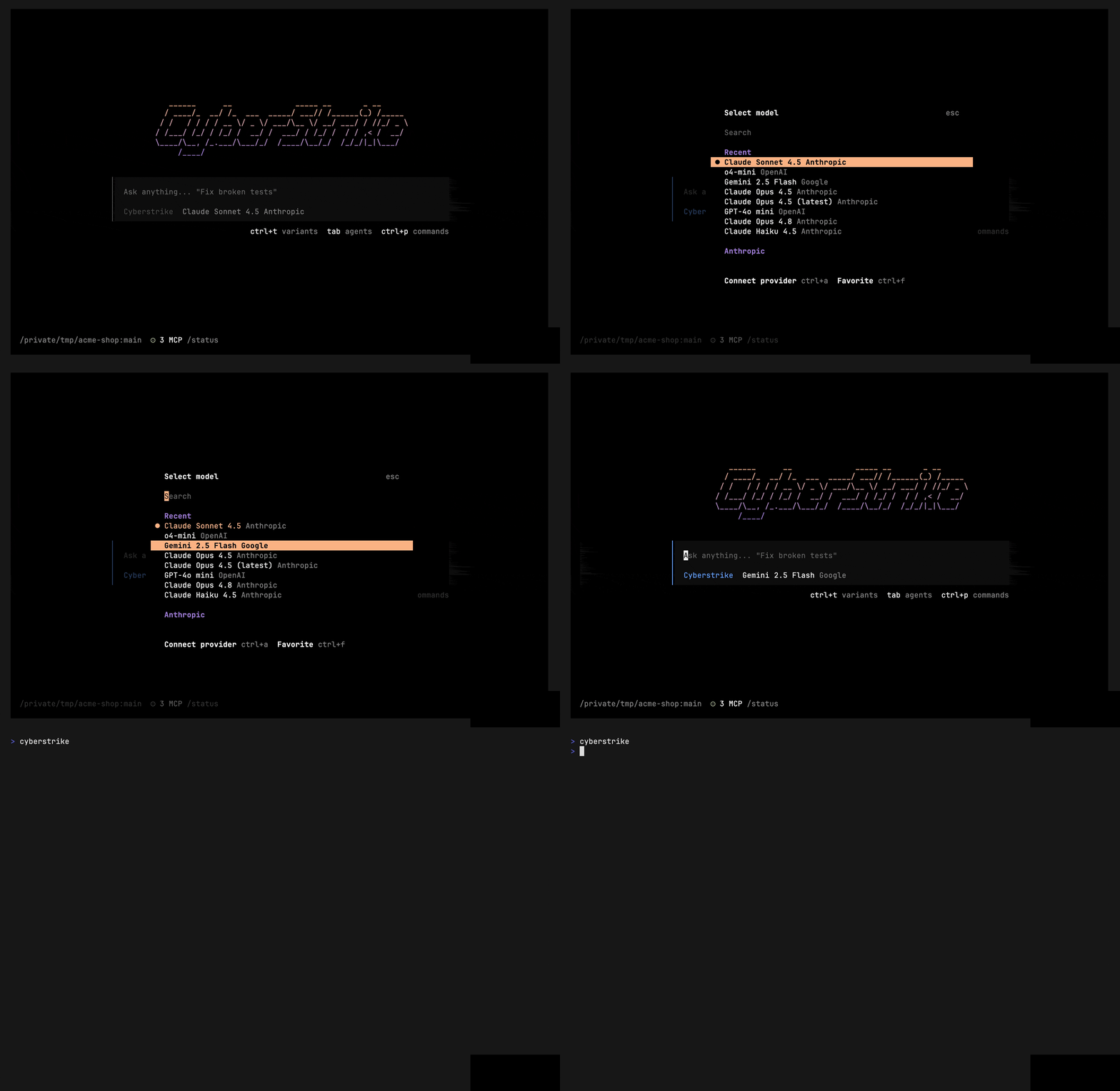
Launch the terminal user interface without arguments:
cyberstrikeInteractive Mode Options
| Option | Alias | Description |
|---|---|---|
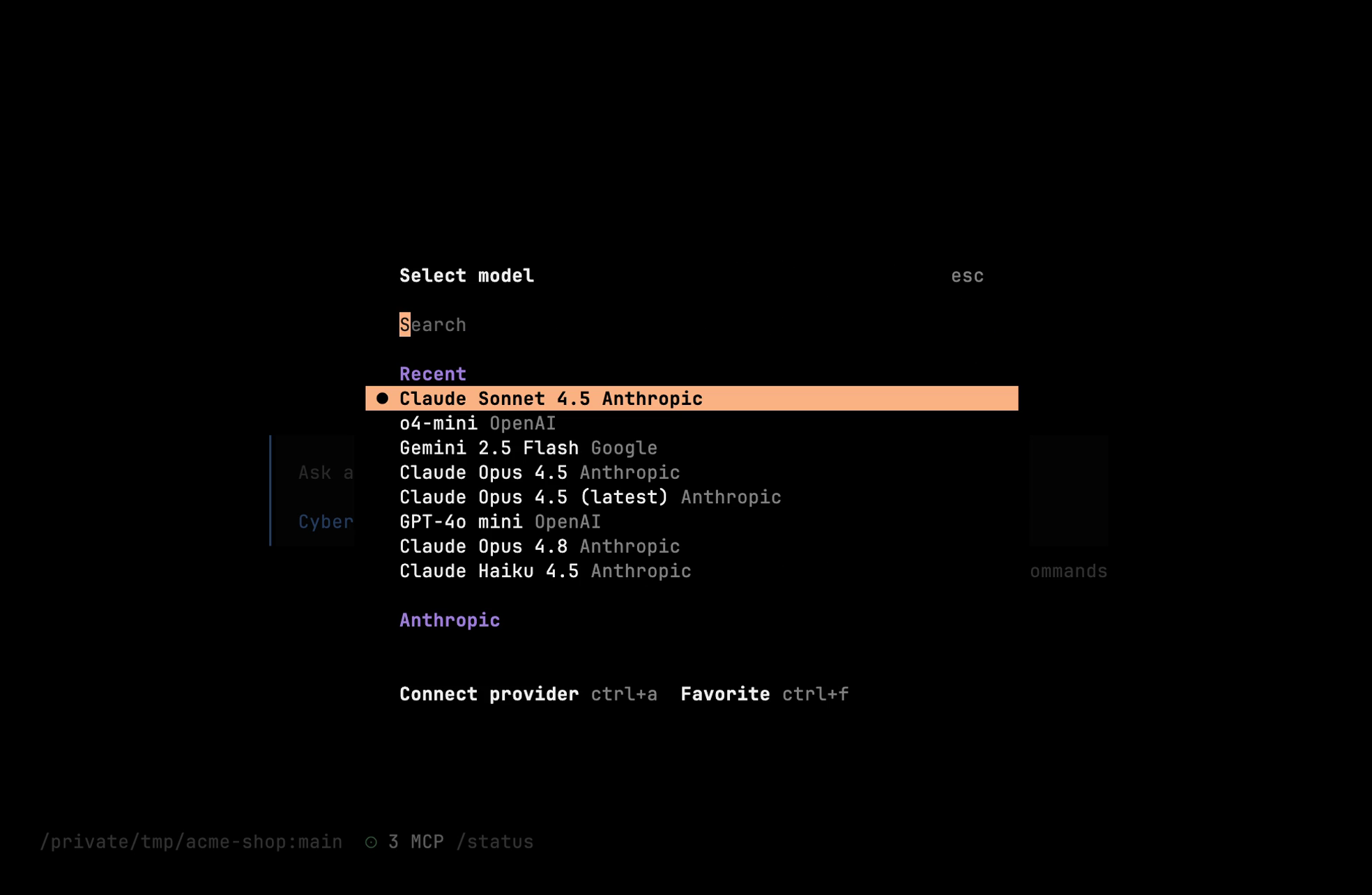
--model <model> | -m | Model in format provider/model |
--agent <name> | Security agent to use | |
--continue | -c | Continue last session |
--session <id> | -s | Resume specific session |
Examples
# Start with specific modelcyberstrike --model anthropic/claude-sonnet-4-20250514
# Select a primary agent (only 'cyberstrike' ships built-in)cyberstrike --agent cyberstrike
# Continue previous sessioncyberstrike --continue
run
Execute a single prompt without entering interactive mode.
cyberstrike run [message..] [options]Options
| Option | Alias | Description |
|---|---|---|
--model <model> | -m | Model in format provider/model |
--agent <name> | Agent to use | |
--continue | -c | Continue last session |
--session <id> | -s | Resume specific session |
--file <path> | -f | Attach file(s) to message |
--format <type> | Output format: default or json | |
--share | Share the session | |
--title <text> | Set session title | |
--attach <url> | Attach to running server | |
--variant <type> | Model variant (high, max, minimal) |
Examples
# Run single commandcyberstrike run "scan example.com for open ports"
# Attach file to requestcyberstrike run "analyze this config" -f nginx.conf
# Output as JSONcyberstrike run "list vulnerabilities" --format json
# Continue previous sessioncyberstrike run "now check for XSS" --continue
Piping Input
Accept input from stdin:
echo "analyze this code" | cyberstrike runcat report.txt | cyberstrike run "summarize this"auth
Manage authentication credentials for AI providers.
auth login
Add credentials for an AI provider:
cyberstrike auth login [url]Interactive Login
cyberstrike auth login# Select provider from list# Enter API key when promptedWell-Known URL Login
cyberstrike auth login https://custom-provider.example.comauth logout
Remove stored credentials:
cyberstrike auth logout# Select provider from listauth list
Display all configured credentials:
cyberstrike auth listOutput shows:
- Stored credentials by provider
- Authentication type (api, oauth)
- Active environment variables
mcp
Manage Model Context Protocol (MCP) servers.
mcp list
List configured MCP servers and their status:
cyberstrike mcp listStatus indicators:
✓Connected○Not initialized / Disabled⚠Needs authentication✗Failed
mcp add
Add a new MCP server interactively:
cyberstrike mcp addThe wizard prompts for:
- Location (project or global)
- Server name
- Server type (local or remote)
- Connection details
Local Server Example
# After running `cyberstrike mcp add`:# Location: Current project# Name: filesystem# Type: Local# Command: npx @modelcontextprotocol/server-filesystem /path/to/dirRemote Server Example
# After running `cyberstrike mcp add`:# Location: Global# Name: custom-api# Type: Remote# URL: https://api.example.com/mcp# OAuth: Yes/Nomcp auth
Authenticate with an OAuth-enabled MCP server:
cyberstrike mcp auth [name]mcp auth list
List OAuth status for all MCP servers:
cyberstrike mcp auth listmcp logout
Remove OAuth credentials:
cyberstrike mcp logout [name]mcp debug
Debug OAuth connection issues:
cyberstrike mcp debug <name>session
Manage conversation sessions.
session list
List all sessions:
cyberstrike session list [options]| Option | Alias | Description |
|---|---|---|
--max-count <n> | -n | Limit to N recent sessions |
--format <type> | Output: table or json |
Examples
# List 10 most recent sessionscyberstrike session list -n 10
# Export as JSONcyberstrike session list --format json
models
List available AI models.
cyberstrike modelsDisplays all models organized by provider with:
- Model identifier
- Model name
- Capabilities
agent
Manage security agents.
cyberstrike agent [name]Listing Agents
cyberstrike agent# Shows available agentsAgent Information
cyberstrike agent web-application# Shows agent details and promptgithub
GitHub App integration.
github install
Install the Cyberstrike GitHub App into a repository:
cyberstrike github installgithub run
Run Cyberstrike against a GitHub event (used by the CI workflow):
cyberstrike github runpr
Review a pull request by number.
cyberstrike pr <number>export
Export a session as JSON to stdout (no options):
cyberstrike export [sessionID]import
Import session data.
cyberstrike import <file> [options]upgrade
Update Cyberstrike to the latest version.
cyberstrike upgradeuninstall
Remove Cyberstrike from your system.
cyberstrike uninstallserve
Start the Cyberstrike API server. Requires CYBERSTRIKE_SERVER_PASSWORD to be set.
CYBERSTRIKE_SERVER_PASSWORD=secret cyberstrike serve [options]| Option | Description |
|---|---|
--port <number> | Server port (default: 4096) |
--hostname <address> | Bind address |
--cors <origin> | Allowed CORS origin |
--mdns | Advertise the server over mDNS |
stats
Display usage statistics.
cyberstrike statsShows:
- Token usage
- Session counts
- Cost estimates
completion
Generate shell completion scripts.
# Bashcyberstrike completion >> ~/.bashrc
# Zshcyberstrike completion >> ~/.zshrc
# Fishcyberstrike completion | source
Environment Variables
Configure Cyberstrike behavior through environment variables:
| Variable | Description |
|---|---|
CYBERSTRIKE_AUTO_SHARE | Auto-share sessions |
CYBERSTRIKE_PERMISSION | JSON permission override |
CYBERSTRIKE_CONFIG | Path to a custom config file |
ANTHROPIC_API_KEY | Anthropic API key |
OPENAI_API_KEY | OpenAI API key |
GOOGLE_GENERATIVE_AI_API_KEY | Google AI (Gemini) API key |
OPENROUTER_API_KEY | OpenRouter API key |
Exit Codes
| Code | Meaning |
|---|---|
0 | Success |
1 | Error — invalid/unknown arguments, or a fatal error |
130 | Interrupted (Ctrl+C) |
Configuration Files
Cyberstrike reads configuration from these locations:
| Path | Scope |
|---|---|
./cyberstrike.json | Project |
./.cyberstrike/cyberstrike.json | Project |
~/.config/cyberstrike/cyberstrike.json | Global |
See Configuration Reference for schema details.